
How Streaming Devices Differ from Smart TVs-and Why It Matters

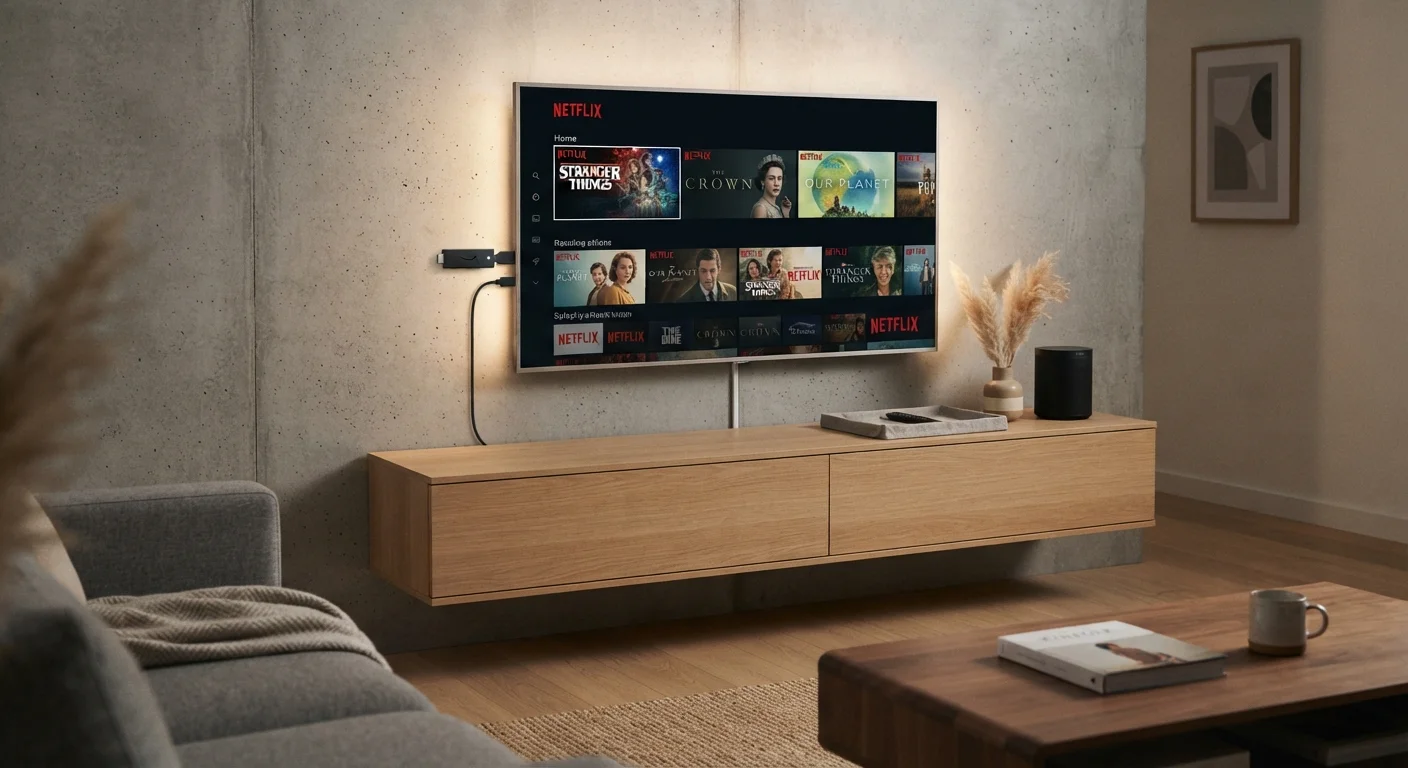
Photo: AscendWit.com | Explore Engaging Blogs. editorial
Key Takeaways
- Smart TVs have streaming apps built in, while streaming devices plug into any TV's HDMI port.
- Streaming devices are easier to update and typically receive software support longer than smart TV platforms.
- A non-smart TV paired with a streaming device can match or outperform many built-in smart TV experiences.
- Your home internet connection quality affects both options equally - faster, more stable connections produce better results.
- Neither option is universally superior; the right choice depends on your existing equipment and preferences.
What Each One Actually Is
A smart TV is a television with internet-connected streaming software built directly into it. You plug it in, connect it to your Wi-Fi, and access apps like streaming video services without any extra hardware. The streaming platform runs on a processor inside the TV itself.
A streaming device - sometimes called a streaming stick or streaming box - is a separate piece of hardware, typically the size of a thumb drive or a small hockey puck, that plugs into your TV's HDMI port. It runs its own operating system and connects to the internet independently. Any TV with an HDMI input can become a streaming-capable screen this way.
Both approaches let you watch the same streaming services. The difference is where the computing power lives and who controls the software experience.
How Software Updates and Longevity Compare
This is where the two approaches diverge most meaningfully in everyday use. Smart TV manufacturers prioritize selling screens, not maintaining software platforms indefinitely. Many smart TVs receive operating system updates for only two to four years after purchase, after which apps may stop functioning or load slowly as they outpace the TV's aging processor.
Streaming device makers, by contrast, are primarily software and platform companies. Their business model depends on keeping devices current, so they tend to push updates more frequently and support hardware longer. When an app rolls out a major redesign or a new streaming format becomes standard, a streaming device is more likely to receive that update promptly.
Check Your TV's Processor Age Before Relying on It
This gap matters most if you plan to keep your TV for seven or more years - a reasonable expectation for a quality display.
Performance, Interface, and App Availability
Mid-range and entry-level smart TVs sometimes use underpowered processors to keep costs down. The result can be sluggish menus, slow app launches, and occasional crashes. Higher-end smart TVs generally perform well, but the experience varies significantly by brand and price tier.
Dedicated streaming devices are purpose-built for one job: running a smooth streaming interface. Because the hardware is sized for that task and updated more regularly, many users find the interface noticeably more responsive.
App availability is broadly similar across both platforms for major services. Niche or newer apps occasionally appear on streaming device platforms first, since developers often prioritize those ecosystems.
| Smart TV | Streaming Device | |
|---|---|---|
| Extra hardware needed | None | Yes - plugs into HDMI port |
| Software update lifespan | Typically 2-4 years | Often longer, platform-focused support |
| Interface performance | Varies by price tier | Generally consistent and responsive |
| Portability | Fixed to the TV | Moves between TVs easily |
| Works with any TV | N/A - is the TV | Yes, any TV with HDMI input |
| Setup complexity | Minimal - built in | Low - plug in and connect to Wi-Fi |
For households with multiple screens, a streaming device's portability is a practical advantage - you can move it between rooms or take it to a hotel, something a built-in smart TV platform cannot offer.
The Role Your Internet Connection Plays
Neither a smart TV nor a streaming device can outperform a poor internet connection. Buffering, low resolution, and dropped streams are network problems, not device problems. Both options require a stable broadband connection - and the faster and more consistent that connection is, the better your experience with either approach.
If you're evaluating or upgrading your home internet alongside a streaming setup, understanding how different connection technologies deliver speed and reliability is worth your time. Our guide to DSL, cable, fiber, and fixed wireless explains how each technology works in practice, and our fiber vs. cable comparison breaks down which suits different households. You can also explore broader guidance through our Home Internet hub.
Wi-Fi signal strength in the room where you watch also matters. Both smart TVs and streaming devices benefit from being close to your router or connected via a wired Ethernet adapter when possible.
Making the Decision That Fits Your Situation
If you're buying a new TV and want the simplest possible setup, a smart TV with a well-regarded built-in platform is a reasonable choice - provided you're comfortable with the idea that the software experience may feel dated before the display itself does.
If you already own a television, even an older one without smart features, adding a streaming device is a cost-effective way to access modern streaming platforms without replacing functioning hardware. It's also a straightforward upgrade if your smart TV's built-in interface has become slow or unsupported.
For households thinking through how different gadgets fit together - from streaming screens to voice-activated assistants - our smart speakers explainer covers how those devices complement a streaming setup, including the privacy considerations they raise. And if you're weighing other device decisions around the home, our tablet vs. laptop framework applies similar thinking to portable screens.
The content on this site is for informational purposes only and is not a substitute for professional advice. Always consult a qualified professional for guidance specific to your situation.