
Fiber vs. Cable Internet: Which Connection Type Suits Your Household?

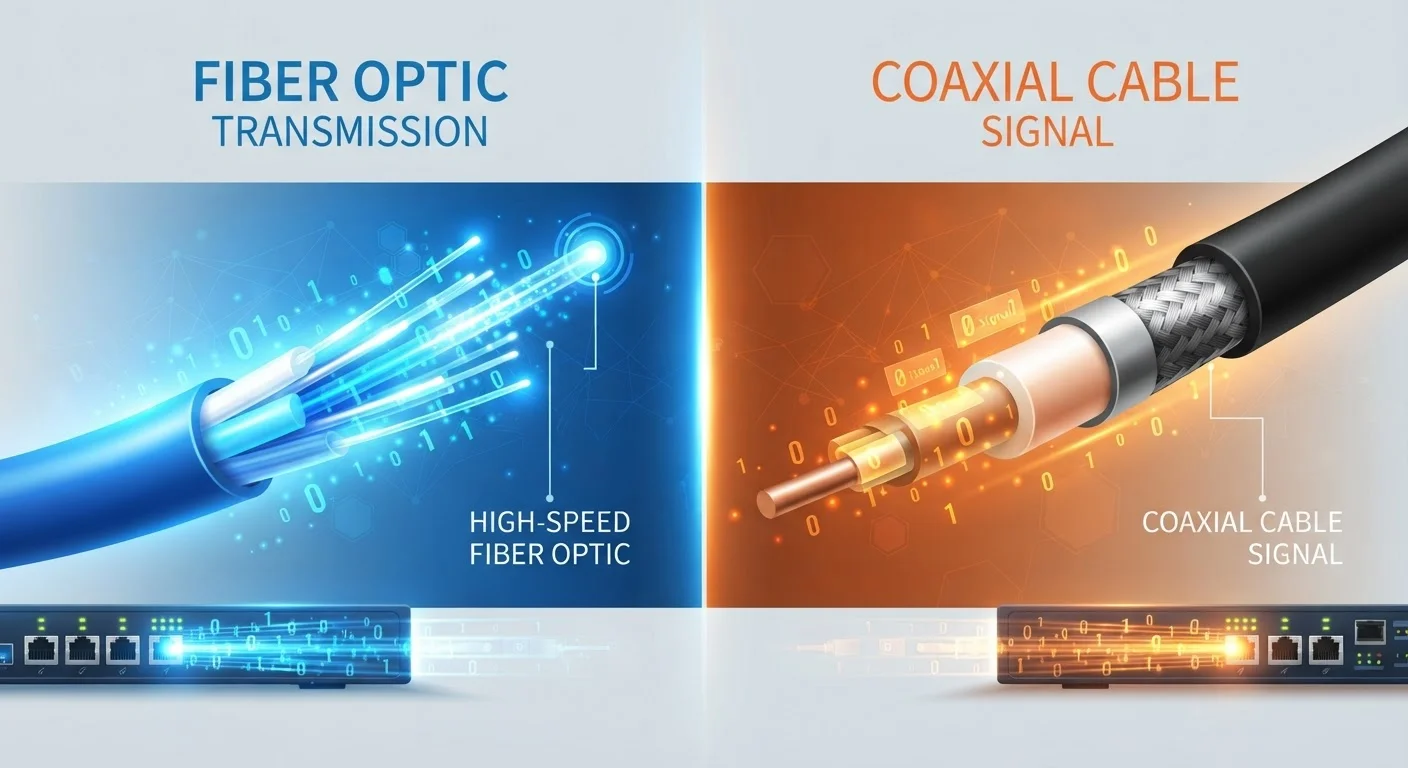
Photo: AscendWit.com | Explore Engaging Blogs. editorial
Key Takeaways
- Fiber uses glass or plastic strands to transmit light signals; cable uses copper coaxial lines already in most neighborhoods.
- Fiber typically offers equal upload and download speeds; cable upload speeds are usually much slower than download speeds.
- Cable internet is available to roughly 89% of U.S. households; fiber availability is expanding but remains lower overall.
- Network congestion during peak hours affects cable more noticeably than fiber connections.
- Neither connection type guarantees a specific experience - your plan tier, equipment, and household usage all matter.
How Each Technology Actually Works
Understanding what runs under your street makes the performance differences much easier to grasp. Fiber internet transmits data as pulses of light through thin strands of glass or plastic - a method that loses very little signal over long distances. Cable internet sends data as electrical signals through coaxial cable (the same thick, shielded wire that carries cable TV), which has been part of American homes for decades.
Because cable infrastructure was originally built for broadcast TV rather than two-way data, it was designed to send far more information downstream (to your home) than upstream (from your home). Fiber, by contrast, was designed from the ground up for internet traffic in both directions. For a deeper look at how each physical network reaches your front door, see how each internet technology reaches your home.
Speed: Downloads, Uploads, and Why Both Matter
Most internet plans advertise download speed - how fast data arrives at your home. Cable plans can deliver fast download speeds, often ranging from 100 Mbps to 1 Gbps depending on your plan tier. The gap shows up on uploads: cable plans frequently cap upload speeds at a fraction of the download figure, sometimes as low as 10-20 Mbps even on higher-tier plans.
Fiber plans are commonly described as symmetrical, meaning upload and download speeds are roughly equal. If your household regularly video calls, backs up photos to the cloud, shares large files, or streams gameplay, that upload difference becomes very real in daily use.
~89%
U.S. households with cable internet access
According to FCC fixed broadband deployment data, coaxial cable infrastructure reaches the vast majority of American homes.
10-20 Mbps
Typical cable upload speed on mid-tier plans
While cable download speeds can reach hundreds of Mbps, upload speeds on many mid-range plans remain significantly lower.
Symmetrical
Fiber upload-to-download speed ratio
Most residential fiber plans offer upload speeds matching their download speeds, a key advantage for remote workers and heavy uploaders.
If terms like "Mbps" or "data caps" on your bill feel unclear, our plain-language guide to internet plan terms breaks them down simply.
Reliability and Congestion
Cable internet in a neighborhood shares bandwidth among nearby subscribers - similar to how a highway slows down during rush hour. During peak evening hours, when many households stream and browse simultaneously, some cable users notice a measurable drop in speed. This is called network congestion.
Fiber networks are generally less susceptible to this kind of neighborhood-level slowdown because the infrastructure has significantly higher total capacity. That said, any connection can slow down if your in-home equipment is outdated or your Wi-Fi signal is weak. Your router and modem play a bigger role than most people realize - understanding the difference between a modem and a router can help you identify whether the hardware, not the line, is causing issues.
| Criterion | Fiber Internet | Cable Internet |
|---|---|---|
| Transmission medium | Light through glass/plastic strands | Electrical signal through coaxial copper |
| Typical download speeds | 100 Mbps - 5 Gbps | 100 Mbps - 1.2 Gbps |
| Typical upload speeds | Equal to download (symmetrical) | Much slower than download |
| Peak-hour congestion | Generally low | More noticeable |
| U.S. household availability | Expanding; still limited in many areas | ~89% of U.S. households |
| Infrastructure age | Newer, purpose-built for internet | Adapted from TV cable networks |
Availability: The Deciding Factor for Most Households
For many households, the fiber vs. cable comparison is academic - availability decides it. Cable infrastructure exists in roughly 89% of U.S. homes, according to FCC broadband deployment data. Fiber availability has grown substantially in recent years but still lags behind, with ongoing expansion particularly in suburban and some rural areas.
Before assuming fiber isn't an option, it's worth checking your specific address rather than relying on general regional claims - coverage maps don't always reflect street-level reality. If neither fiber nor cable reaches your area, satellite internet may be worth examining, though it comes with its own trade-offs: a balanced look at satellite internet's advantages and drawbacks covers what to expect.
Availability Varies by Address, Not Just Region
Before signing any new service agreement, review key terms carefully. a practical checklist for evaluating a new internet plan covers the questions worth asking before you commit.
The content on this site is for informational purposes only and is not a substitute for professional advice. Always consult a qualified professional for guidance specific to your situation.