
Smart Speakers Explained: What They Can Do, What They Can't, and What They're Always Listening For

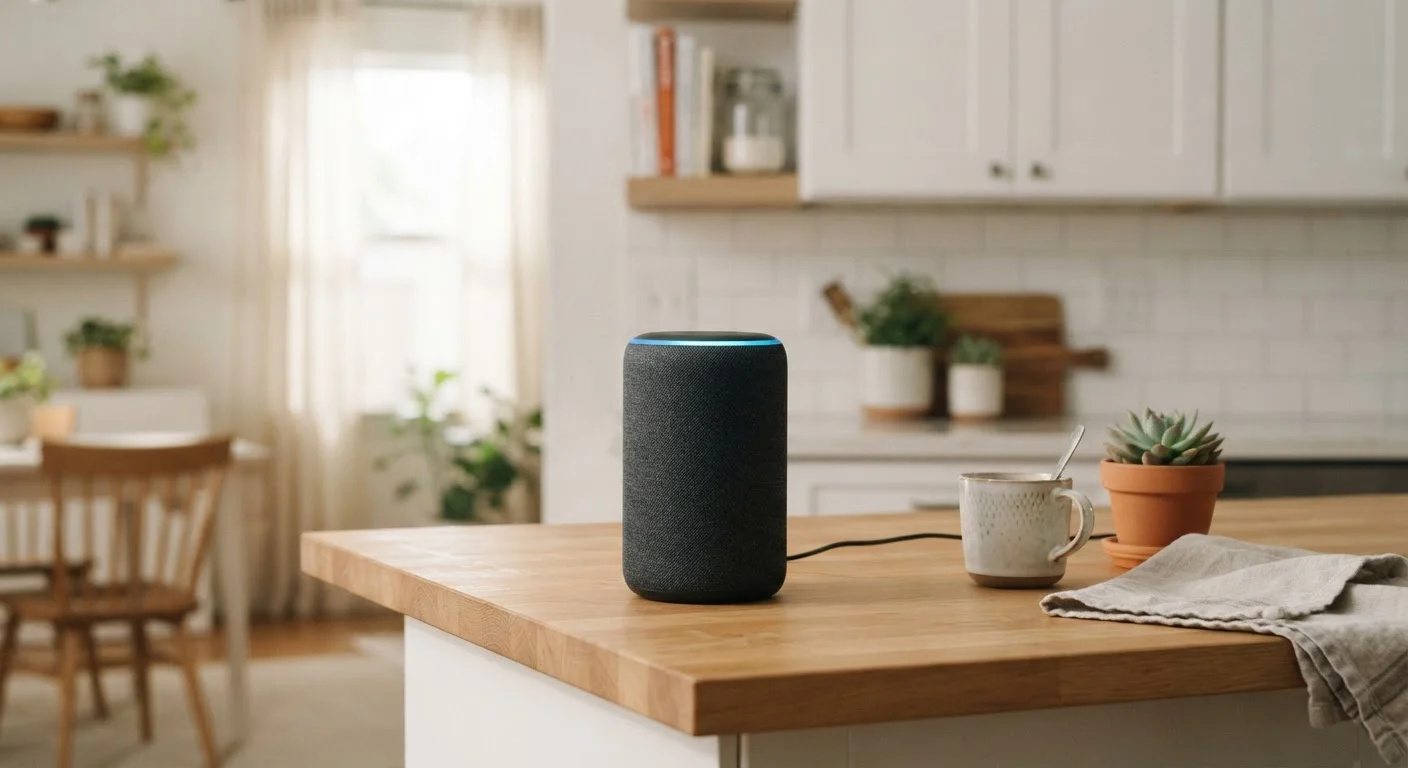
Photo: AscendWit.com | Explore Engaging Blogs. editorial
Key Takeaways
- Smart speakers respond to a specific wake word and require an active internet connection to function fully.
- They can handle a wide range of tasks - timers, music, news, smart home control - but have clear limitations.
- The microphone is always on for wake-word detection, which raises legitimate privacy considerations.
- You can review and delete your voice history through the companion app on most platforms.
- A smart speaker works best when connected to compatible smart home devices and streaming services.
How a Smart Speaker Actually Works
At its core, a smart speaker combines a microphone array, a speaker, and a voice assistant - all tied together through your home Wi-Fi. The microphone runs continuously, but it's doing something narrow: waiting for a specific trigger phrase, commonly called a wake word (for example, "Hey Alexa" or "OK Google"). This detection happens on the device itself, using a small, dedicated processor.
Once the wake word is heard, the device records your spoken request and sends that audio clip to the manufacturer's servers. Those servers interpret your words, generate a response, and send it back to your speaker - all within a couple of seconds. This is why a smart speaker cannot function as a voice assistant without an internet connection. The heavy lifting happens in the cloud, not in the small device on your counter.
This architecture also explains why smart speakers tend to be inexpensive hardware - the value is in the software and cloud services behind them, not the physical components. For more on how these devices fit into a connected home, see the home internet hub.
~35%
US adults who own a smart speaker
According to Pew Research Center survey data, roughly one-third of American adults reported owning a smart speaker.
2-3 sec
Typical cloud round-trip response time
Most voice assistant requests are processed and returned within two to three seconds under normal broadband conditions.
What Smart Speakers Do Well
Smart speakers handle certain tasks with genuine convenience. Here are the areas where they deliver consistent value:
- Music and audio playback: Stream from linked services, adjust volume, skip tracks, or play a specific station - all hands-free.
- Timers and reminders: Setting kitchen timers or calendar reminders by voice is fast and reliable, especially when your hands are occupied.
- Quick information lookups: Weather forecasts, unit conversions, sports scores, and general knowledge questions are handled well.
- Smart home control: Lights, locks, thermostats, and plugs from compatible platforms can be controlled by voice. See our guide on setting up smart plugs for a practical starting point.
- Intercom and calling: Many devices support voice or video calls between compatible devices in the same home or to contacts.
Start With One or Two Use Cases
What Smart Speakers Can't Do
Managing expectations matters. Smart speakers have real limitations that can frustrate users who expect too much from them.
They struggle with multi-step or complex requests. Asking a smart speaker to book a restaurant for Saturday, check your calendar for conflicts, and draft a text to a friend is likely to break down partway through. Each request generally works better as a standalone command.
They also have limited contextual memory. Most voice assistants don't carry context between separate conversations, so following up on a topic from yesterday won't work the way it might with a human assistant.
Finally, smart speakers are not substitutes for screens when it comes to nuanced tasks. Reading a long article, filling out a form, or browsing product options all require a visual interface. They complement devices like phones and tablets rather than replace them - a distinction worth keeping in mind if you're also thinking about how streaming devices compare to smart TVs.
The Privacy Picture: Always-On Microphones
The most common concern about smart speakers is straightforward: if the microphone is always on, who is listening? The honest answer is nuanced.
The microphone listens locally for the wake word only. Audio is not continuously transmitted to company servers. However, once you trigger the wake word, that audio clip is typically stored - and historically, some companies have used anonymized recordings to improve their voice recognition systems. Policies vary by manufacturer and have evolved over time in response to public scrutiny.
Practically speaking, you have meaningful controls available:
- Use the physical microphone mute button to disable the microphone entirely when you want silence.
- Access your voice history through the companion app and delete individual clips or your entire history.
- Review your privacy settings in the app to opt out of human review programs where available.
False activations - where the device wakes up without you meaning to - do occur. Keeping the speaker away from the television and reviewing your voice history occasionally helps you understand how often it's happening. The same habit of regularly auditing permissions applies to smartphones too; see smartphone security settings most people never use for related guidance.
Privacy Policies Change Over Time
Getting the Most Out of Your Smart Speaker
A smart speaker's usefulness scales with how well it's integrated into your existing setup. A few practical steps make a real difference:
- Link your accounts: Connect your music streaming service, calendar, and any smart home apps through the companion app before expecting voice control to work smoothly.
- Place it thoughtfully: Position the speaker in a central, frequently used area - kitchens and living rooms work well. Avoid placing it directly next to a television to reduce false activations.
- Learn the assistant's strengths: Spending a few minutes with the companion app or help section reveals capabilities you might not discover through trial and error.
- Review privacy settings once: Set your preferences for voice history storage and human review opt-outs when you first set up the device.
Used with realistic expectations, a smart speaker is a genuinely useful hands-free tool for everyday tasks. Understanding what it does - and what it doesn't - puts you in the best position to decide whether one belongs in your home.
Frequently Asked Questions
The content on this site is for informational purposes only and is not a substitute for professional advice. Always consult a qualified professional for guidance specific to your situation.