
Bluetooth vs. Wi-Fi: Which Wireless Technology Is Doing What in Your Home

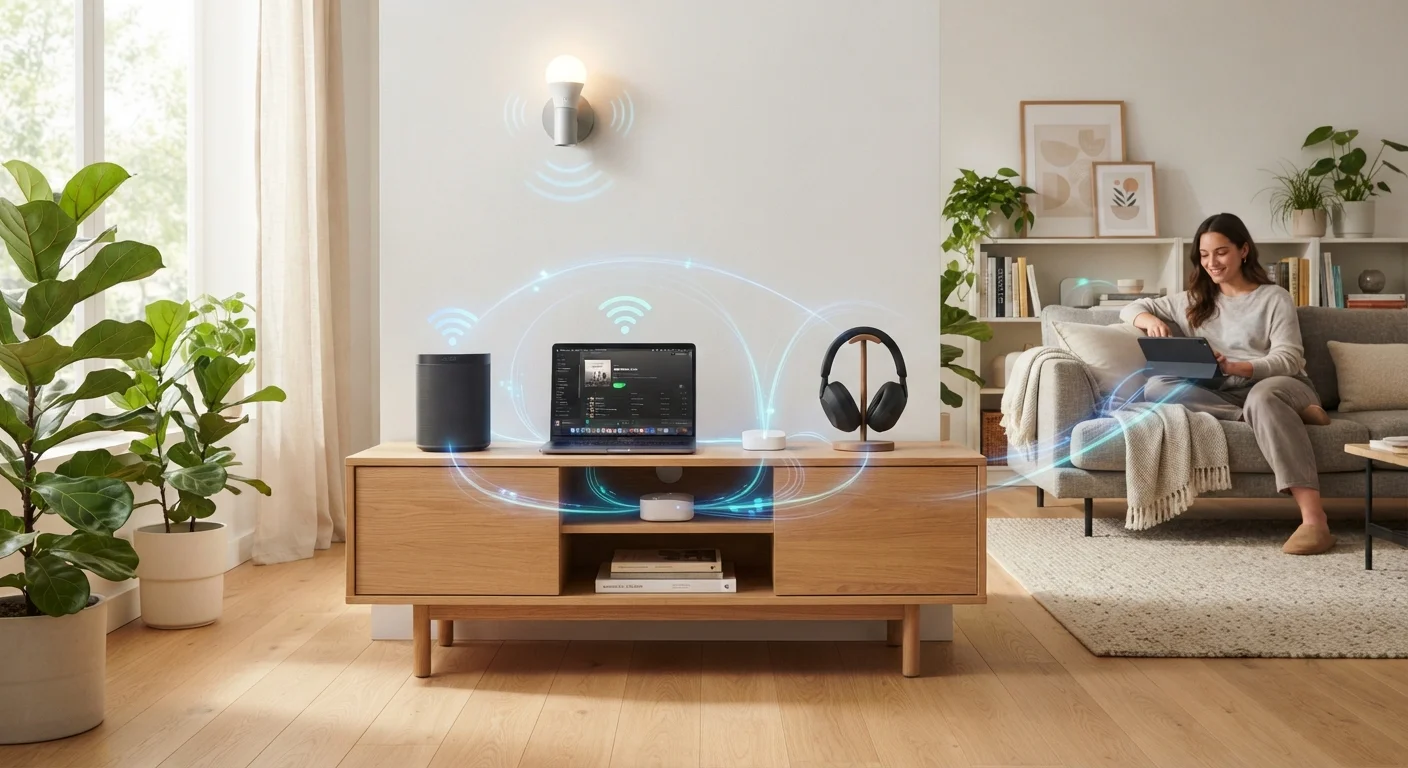
Photo: AscendWit.com | Explore Engaging Blogs. editorial
Key Takeaways
- Bluetooth connects two devices directly over short distances; Wi-Fi connects devices to a network and the internet.
- Wi-Fi carries far more data, making it essential for streaming video and large file transfers.
- Bluetooth uses less power, which is why wireless earbuds and fitness trackers rely on it.
- Both technologies share the 2.4 GHz radio band, which can sometimes cause interference.
- Most modern devices use whichever technology fits the task - often both at the same time.
How Each Technology Actually Works
Both Bluetooth and Wi-Fi are wireless technologies - meaning they transmit data through radio waves rather than physical cables. That is where most of the similarity ends.
Bluetooth creates a direct, one-to-one (or one-to-a-few) link between two devices. When you pair your phone with a wireless speaker, those two devices talk to each other without any router or internet connection involved. Bluetooth is designed for short distances, typically under 30 feet in real-world home conditions, and it prioritizes low power consumption over raw speed.
Wi-Fi works differently. Your router acts as a central hub, and every device on your network connects through it. That architecture is what allows a laptop in the bedroom to stream content from a server thousands of miles away. Wi-Fi is built for higher data throughput - the volume of information it can move per second - which is why it handles video streaming and web browsing, tasks that would overwhelm Bluetooth's capacity.
For a deeper look at how internet signals reach your home in the first place, see how DSL, cable, fiber, and fixed wireless work.
| Criterion | Bluetooth | Wi-Fi |
|---|---|---|
| Primary purpose | Device-to-device pairing | Network and internet access |
| Typical range | Up to ~30 feet | Up to ~150+ feet indoors |
| Data speed | Up to ~3 Mbps (classic); faster with newer versions | Hundreds of Mbps to several Gbps |
| Power consumption | Low to very low (BLE) | Moderate to high |
| Requires a router? | No | Yes |
| Common uses | Headphones, speakers, keyboards, wearables | Streaming, browsing, smart home hubs |
| Shared frequency band | 2.4 GHz (also 5 GHz in newer versions) | 2.4 GHz and 5 GHz (6 GHz in Wi-Fi 6E) |
Why Your Gadgets Pick One Over the Other
Gadget makers choose Bluetooth or Wi-Fi based on three practical questions: How much data needs to move? How close will the devices be? How long must the battery last?
High-data, plugged-in devices use Wi-Fi. Smart TVs, streaming sticks, and laptops need to pull large amounts of data quickly. They are also typically near a power outlet, so battery drain is not a concern. For more on how streaming hardware uses these connections, see how streaming devices differ from smart TVs.
Personal, portable devices favor Bluetooth. Wireless earbuds, fitness trackers, and game controllers send small packets of data over short distances. Bluetooth Low Energy (BLE) - a variant introduced to serve exactly these devices - can keep a heart-rate monitor running for months on a coin battery. If you use wireless earbuds regularly, learn what research says about earbuds and hearing health for practical usage guidance.
Some devices use both simultaneously. A smartphone, for example, might stream music to Bluetooth earbuds while downloading a software update over Wi-Fi - two separate radio systems, running in parallel, each doing what it does best. The trade-offs between wired and wireless accessories covers cases where neither wireless option is the right call.
~30 ft
Typical Bluetooth indoor range
Walls and obstacles reduce effective Bluetooth range; the Bluetooth Special Interest Group notes real-world performance varies significantly by environment.
2x
Radio bands Wi-Fi commonly uses
Most home routers broadcast on both 2.4 GHz and 5 GHz bands, with newer Wi-Fi 6E routers adding a 6 GHz band for less congestion.
Months
Battery life possible with Bluetooth Low Energy
BLE, introduced with Bluetooth 4.0, was designed specifically to let small sensors and wearables operate on coin-cell batteries for extended periods.
Interference, Range, and Real-World Limitations
Both Bluetooth and Wi-Fi operate partly on the 2.4 GHz radio frequency band. This shared space can occasionally cause interference - for instance, a crowded 2.4 GHz Wi-Fi network may disrupt a Bluetooth audio stream in the same room. Modern devices use techniques like frequency hopping (Bluetooth) and channel selection (Wi-Fi) to minimize this, but it is worth knowing if you experience unexplained dropouts.
Range is another practical difference. Wi-Fi signals from a well-placed router can reach across a typical home and even into the backyard. Bluetooth, by design, is meant to stay close - its range drops quickly through walls, and most consumer devices are optimized for line-of-sight or single-room use.
When Both Technologies Are in One Device
Wi-Fi standards have continued to evolve to handle more devices and higher speeds. What Wi-Fi 6 means for your home network explains the latest generation in plain language and who benefits most from upgrading.
The content on this site is for informational purposes only and is not a substitute for professional advice. Always consult a qualified professional for guidance specific to your situation.