
Wired vs. Wireless Accessories: The Trade-Offs Nobody Talks About

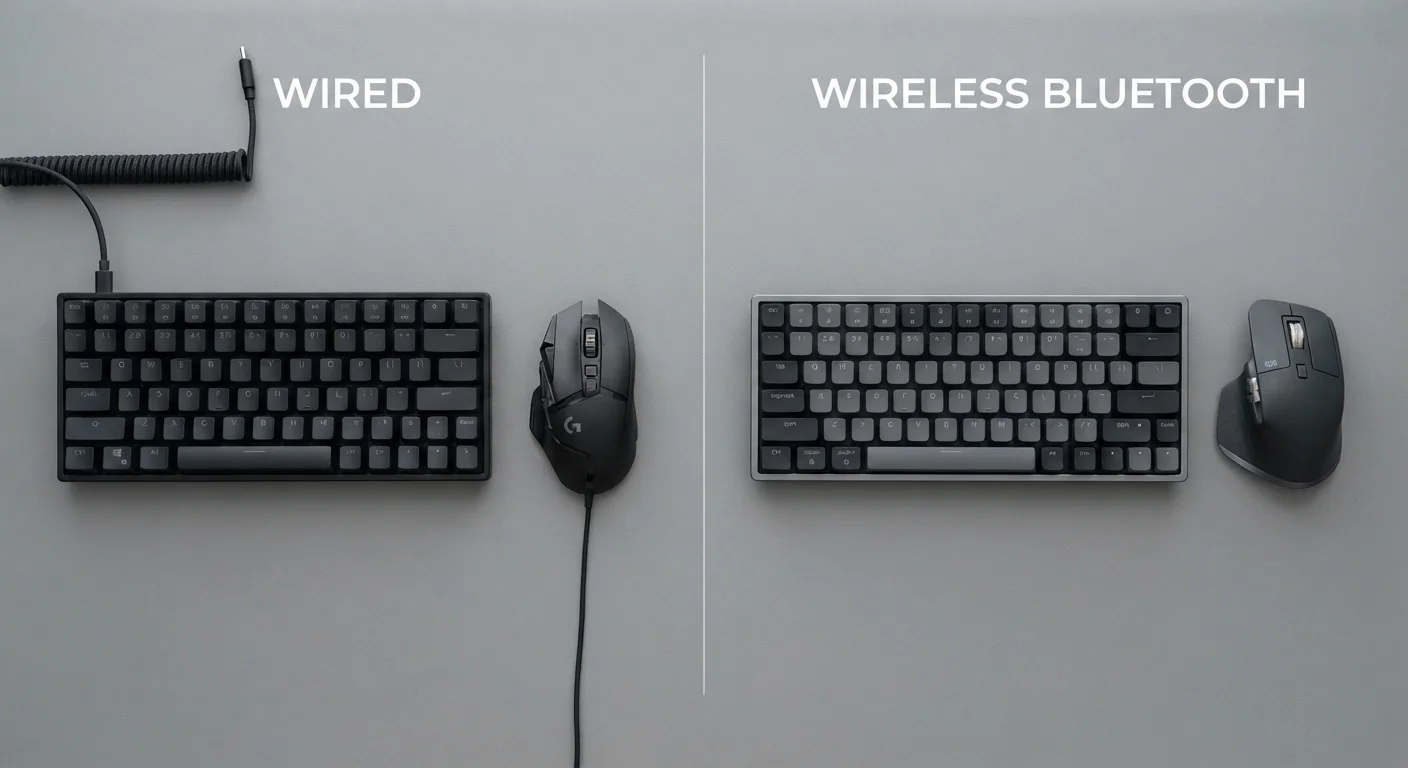
Photo: AscendWit.com | Explore Engaging Blogs. editorial
Key Takeaways
- Wired accessories deliver near-zero latency and never need charging - a real advantage for precision tasks.
- Wireless peripherals add convenience and desk flexibility but depend on battery life and radio signals.
- Modern wireless tech has closed the performance gap significantly, though it hasn't fully eliminated it.
- Interference from other devices can affect wireless reliability in crowded wireless environments.
- The right choice depends on your specific use - there is no universally superior option.
Why "Wireless Is Better" Isn't the Whole Story
Cable-free gadgets have become the default assumption for modern accessories - wireless earbuds, Bluetooth keyboards, and cordless mice dominate store shelves. The pitch is always convenience. But convenience is only one dimension of a decision that also involves latency, battery management, signal reliability, and cost.
Understanding both options honestly matters more than following a trend. How Bluetooth and Wi-Fi differ in your home is a useful place to start, since not all wireless accessories work the same way. Some use Bluetooth; others use a dedicated 2.4 GHz USB dongle - and those technologies behave differently in real environments.
This comparison focuses on what each approach actually costs you in practical, everyday use.
Latency: The Performance Trade-Off
Latency - the tiny delay between your physical input and the device responding - is where wired accessories have a durable advantage. A wired connection transmits a signal at nearly the speed of light with no translation step. Wireless signals must be encoded, broadcast, received, and decoded, adding at least a small delay.
For most everyday tasks - writing emails, browsing, video calls - this difference is imperceptible. Where it matters is in fast-paced gaming, music production, or any precision task where milliseconds are meaningful. Competitive gamers, for instance, often favor wired mice and keyboards specifically for this reason.
| Criterion | Wired Accessories | Wireless Accessories |
|---|---|---|
| Input latency | Near-zero, consistent | Slightly higher; varies by protocol |
| Power source | Draws from host device | Battery or rechargeable |
| Signal reliability | Unaffected by interference | Can be affected by crowded radio bands |
| Freedom of movement | Limited by cable length | Full range within wireless distance |
| Setup complexity | Plug-and-play | Pairing or USB dongle required |
| Ongoing maintenance | Minimal (cable care only) | Regular charging or battery swap |
| Desk clutter | Cables require management | Cleaner by default |
Modern wireless accessories using dedicated radio protocols (rather than standard Bluetooth) have narrowed this gap considerably. Some high-end wireless peripherals advertise polling rates and latency figures competitive with wired alternatives. But narrowed is not eliminated, and budget wireless options tend to show more variation.
Battery Life and Reliability
Battery management is the most underestimated friction in wireless accessories. A wireless keyboard or mouse requires charging or battery replacement. That creates a small but recurring responsibility: if you forget, your tool stops working at an inconvenient moment.
~1-4 ms
Typical wireless peripheral latency
Dedicated 2.4 GHz wireless accessories commonly advertise polling latencies in the 1-4 millisecond range, compared to sub-1 ms for many wired equivalents.
2.4 GHz
Most common wireless accessory frequency
The majority of wireless keyboards, mice, and headsets operate on the 2.4 GHz band - the same spectrum used by many Wi-Fi networks and Bluetooth devices.
Months
Battery life range for wireless mice
Battery life for wireless mice varies widely - from a few weeks on budget models to several months on energy-efficient designs using AA batteries.
Wireless reliability also depends on the radio environment. Offices and apartments crowded with Wi-Fi networks, Bluetooth devices, and other 2.4 GHz signals can cause interference - occasional stutters, momentary disconnections, or input lag spikes. This isn't common under normal conditions, but it's a real variable that wired connections simply don't have. For more context on how congested wireless environments affect devices, see how wireless interference affects home connectivity.
Wired accessories draw power directly from the host device. They don't run out, and they don't lose signal unless the cable itself is damaged.
Comfort, Mobility, and Real-World Setup
Cables constrain movement. A wired mouse can snag. A wired headset limits how far you can walk from your computer. For many users, these physical limitations are the biggest practical irritant of wired accessories - not performance.
Wireless peripherals shine in setup flexibility. A wireless keyboard can sit on your lap or across the room. A cordless mouse moves freely with no drag. For home office setups, media center remotes, or anyone who reorganizes their workspace regularly, the freedom is genuinely valuable.
It's worth noting that wireless earbuds carry their own considerations beyond connectivity - particularly around volume habits and long listening sessions. Mobility gains are real, but they come with habits worth thinking through.
Desk cable management has also improved significantly, with cable clips, sleeves, and routing channels making wired setups far cleaner than they once were. "Wireless looks tidier" is less automatic an advantage than it used to be.
A Note on Wireless Earbuds Specifically
The content on this site is for informational purposes only and is not a substitute for professional advice. Always consult a qualified professional for guidance specific to your situation.