
The Trade-Offs Nobody Mentions When You Buy a Budget Smartphone

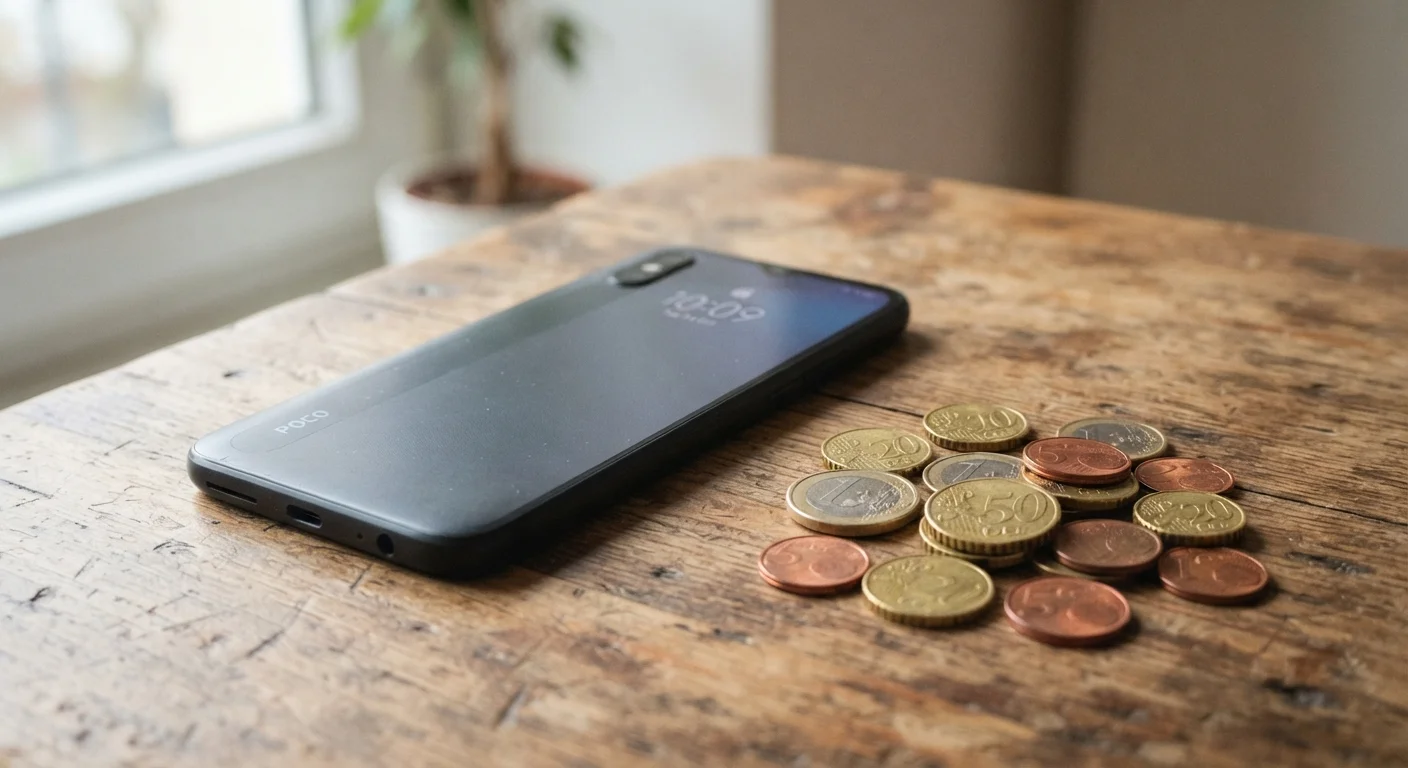
Photo: AscendWit.com | Explore Engaging Blogs. editorial
Key Takeaways
- Budget phones under $300 handle everyday tasks well but make measurable compromises in performance and camera quality.
- Software support timelines are often shorter on budget devices, which affects long-term security.
- Processors in lower-cost phones can slow noticeably when multitasking or running demanding apps.
- Display quality, build materials, and charging speeds are common areas where manufacturers cut costs.
- For light users, the trade-offs may be entirely acceptable - knowing what they are helps you decide.
Lower upfront cost frees budget for other priorities
Spending significantly less on a phone leaves room in your monthly budget for other needs - or simply reduces financial stress around a necessary purchase.
Handles everyday tasks reliably
Calling, texting, email, social media, maps, and music streaming all run without issue on most current budget devices, covering the needs of the majority of US smartphone users.
Lower financial risk if the phone is lost or damaged
Replacing a $200 phone is a manageable setback compared to replacing a $1,000 flagship - a meaningful consideration for people in high-wear jobs or active lifestyles.
Good enough camera for casual, social sharing
In good lighting conditions, budget phone cameras produce photos perfectly suited for social media and messaging - the context in which most people actually share photos.
Often lighter and more compact
Budget phones tend to skip the extra hardware that adds bulk and weight, which some users genuinely prefer for comfort and pocketability.
Shorter software update and security patch support
Many budget Android phones receive only one to two major OS upgrades, meaning the device may stop receiving security fixes while it still functions perfectly - a real long-term risk.
Processor struggles with demanding or multitasked use
Budget chips handle routine tasks adequately but slow noticeably under heavier loads like gaming, video editing, or keeping many apps active simultaneously.
Limited camera versatility, especially in low light
Smaller image sensors and fewer lenses mean budget cameras produce noticeably weaker results in low-light conditions and lack zoom flexibility that multi-lens systems provide.
Display quality is lower than premium alternatives
LCD panels standard on budget phones deliver reduced color accuracy and contrast compared to OLED, which is particularly noticeable when viewing video or using the phone in sunlight.
Slower charging, often no wireless charging
Budget phones commonly cap wired charging at moderate speeds and skip wireless charging entirely, which is an adjustment for users accustomed to faster top-ups.
Less storage and RAM, with fewer upgrade options
Base configurations often start at lower RAM levels, which contributes to app slowdowns; internal storage options may be limited, though many budget models still include a microSD card slot.
What 'Budget' Actually Means Today
The term budget smartphone generally refers to devices priced below roughly $300 at full retail. That price ceiling has bought progressively more capability over the years - today's entry-level phones can handle calls, texting, social media, maps, and basic photography without much trouble.
What hasn't changed is the underlying engineering reality: manufacturers reach lower prices by making deliberate trade-offs across components. Some of those trade-offs are invisible in casual daily use. Others surface quickly depending on how you use your phone. For a thorough look at smartphone ownership decisions overall, see our complete guide to smartphone ownership.
Lower upfront cost frees budget for other priorities
Spending significantly less on a phone leaves room in your monthly budget for other needs - or simply reduces financial stress around a necessary purchase.
Handles everyday tasks reliably
Calling, texting, email, social media, maps, and music streaming all run without issue on most current budget devices, covering the needs of the majority of US smartphone users.
Lower financial risk if the phone is lost or damaged
Replacing a $200 phone is a manageable setback compared to replacing a $1,000 flagship - a meaningful consideration for people in high-wear jobs or active lifestyles.
Good enough camera for casual, social sharing
In good lighting conditions, budget phone cameras produce photos perfectly suited for social media and messaging - the context in which most people actually share photos.
Often lighter and more compact
Budget phones tend to skip the extra hardware that adds bulk and weight, which some users genuinely prefer for comfort and pocketability.
The Compromises That Actually Show Up Day to Day
The most consistent area where budget phones fall short is the processor - the chip that runs everything on the device. Budget chips handle routine tasks fine, but they struggle with multitasking, graphics-heavy games, and keeping several apps open at once. You may notice apps taking longer to load or the phone warming up under moderate use.
Camera systems are another clear gap. Most budget phones include a single primary lens or a primary lens paired with a low-resolution secondary sensor. The multi-lens setups you see on premium phones - telephoto zoom, ultra-wide, larger image sensors - are largely absent. If photography matters to you, read what each smartphone camera lens actually does before setting expectations.
Shorter software update and security patch support
Many budget Android phones receive only one to two major OS upgrades, meaning the device may stop receiving security fixes while it still functions perfectly - a real long-term risk.
Processor struggles with demanding or multitasked use
Budget chips handle routine tasks adequately but slow noticeably under heavier loads like gaming, video editing, or keeping many apps active simultaneously.
Limited camera versatility, especially in low light
Smaller image sensors and fewer lenses mean budget cameras produce noticeably weaker results in low-light conditions and lack zoom flexibility that multi-lens systems provide.
Display quality is lower than premium alternatives
LCD panels standard on budget phones deliver reduced color accuracy and contrast compared to OLED, which is particularly noticeable when viewing video or using the phone in sunlight.
Slower charging, often no wireless charging
Budget phones commonly cap wired charging at moderate speeds and skip wireless charging entirely, which is an adjustment for users accustomed to faster top-ups.
Less storage and RAM, with fewer upgrade options
Base configurations often start at lower RAM levels, which contributes to app slowdowns; internal storage options may be limited, though many budget models still include a microSD card slot.
Not All Budget Phones Make the Same Trade-Offs
Software Support: The Hidden Long-Term Cost
One trade-off that almost never appears in product listings is software support duration. Flagship phones from major manufacturers often receive five to seven years of operating system updates and security patches. Budget Android phones frequently receive one to two years of OS updates and a somewhat longer window for security patches - though this varies by manufacturer.
Shorter support windows matter because security patches protect your phone from vulnerabilities discovered after launch. A phone that stops receiving patches becomes progressively more exposed over time. This is worth weighing against the upfront savings, especially if you tend to keep a phone for three or four years. Our article on avoiding buyer's remorse on a new phone covers software support timelines as part of the broader purchase decision.
1-2 years
Typical OS update support for budget Android phones
Premium Android devices from major manufacturers now commonly receive four to seven years of updates, a gap that has widened as flagship support windows expanded.
~$300
Common price ceiling for budget smartphones
Industry analysts and consumer tech publications generally define the budget tier as devices retailing below this threshold, though definitions vary slightly by source.
Build Quality, Display, and the Details You Feel
Plastic back panels and frames are standard on budget phones - not necessarily a dealbreaker, but noticeably different from the glass-and-metal construction of higher-end devices. More practically relevant: budget displays typically use LCD panels (liquid crystal display) rather than OLED (organic light-emitting diode). LCD screens are fine in most lighting but produce less vivid colors, lower contrast, and weaker performance in direct sunlight compared to OLED.
Charging speed is another quiet compromise. Many budget phones top out at slower wired charging rates and omit wireless charging entirely. If you're used to fast-charging, the adjustment can be noticeable. Connectivity is worth checking too - some budget phones still ship without 5G support, while others include it. For context on what 5G actually changes for everyday users, see our honest look at 5G on smartphones.
Matching the Phone to How You Actually Use It
The right question isn't whether a budget phone is good - it's whether its specific compromises matter for your specific habits. Someone who streams video, plays mobile games, or shoots a lot of photos will feel the limitations more than someone who primarily texts, checks email, and uses maps.
Consider how long you plan to keep the device. A two-year software support window is less of a concern if you upgrade every two years. It becomes a real issue if you use phones until they stop working. It's also worth understanding the operating system ecosystem before committing - see our Android vs. iOS breakdown for a clear comparison of how each platform fits different needs.
This article provides general consumer information and does not constitute personalized financial or purchasing advice. Specifications and support policies vary by manufacturer and may change over time; verify details directly with the manufacturer before purchasing.
The content on this site is for informational purposes only and is not a substitute for professional advice. Always consult a qualified professional for guidance specific to your situation.