
Android vs. iOS: Choosing an Ecosystem That Fits Your Life

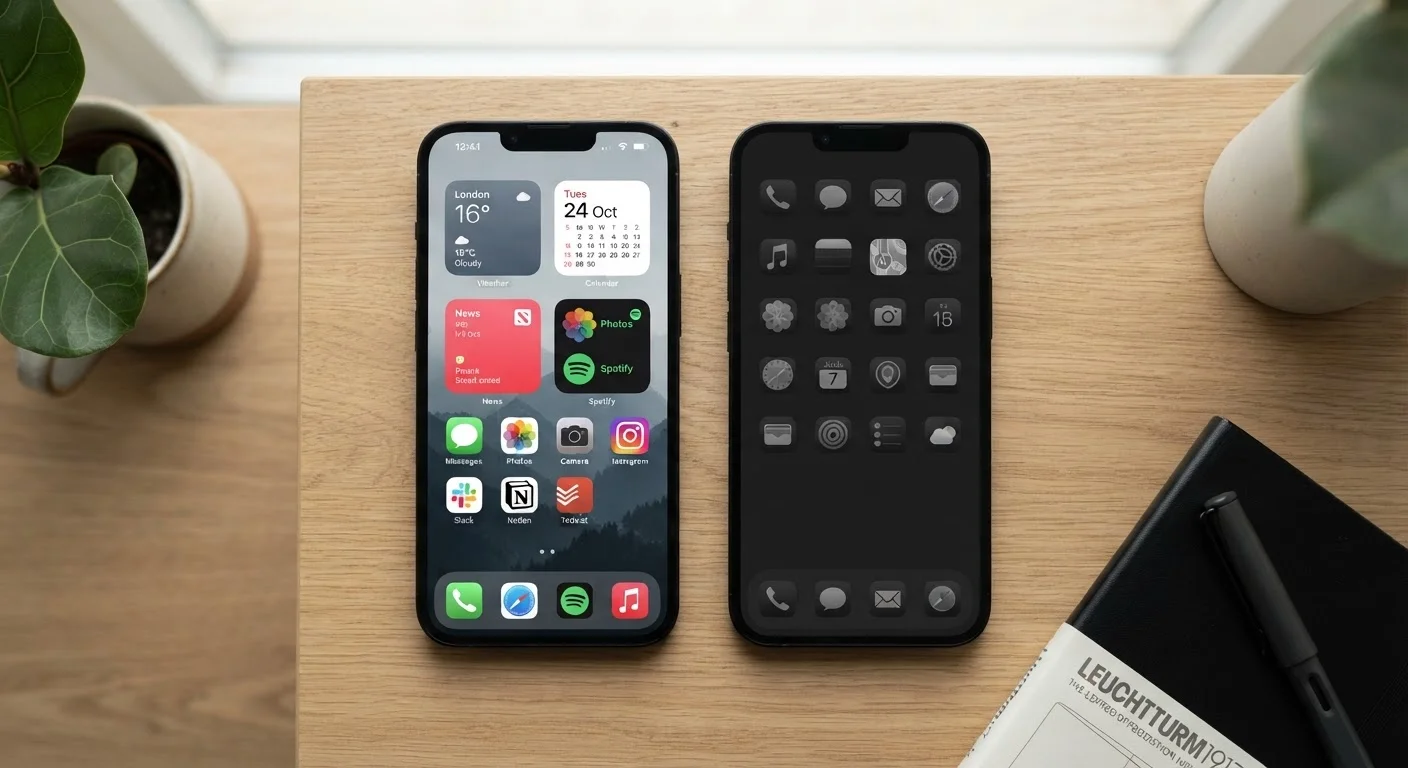
Photo: AscendWit.com | Explore Engaging Blogs. editorial
Key Takeaways
- Android offers more hardware variety and customization options; iOS delivers a more uniform, curated experience.
- Both platforms receive regular security updates, but iOS devices typically receive them for a longer window.
- Your existing devices and services - not just the phone itself - often shape which ecosystem fits better.
- App quality is generally high on both platforms, though some apps launch first on one or the other.
- Switching ecosystems later is possible but involves real friction, especially with purchased apps and stored data.
What Actually Separates Android from iOS
Android and iOS are operating systems - the software that runs your smartphone. Android is developed by Google and used by many different phone manufacturers. iOS is built exclusively by Apple and runs only on iPhones. That single difference ripples through almost every aspect of the experience.
Because Android runs on devices from dozens of manufacturers, the version you get depends partly on who made your phone. Some manufacturers add their own features or interface on top of Google's base software. iOS, by contrast, is identical across every current iPhone model, so the experience is highly predictable regardless of which iPhone you choose.
If you are weighing a first phone purchase or helping someone make a decision, our guide for first-time smartphone owners covers foundational concepts worth reading first.
| Criterion | Android | iOS |
|---|---|---|
| Hardware options | Many manufacturers, wide price range | Apple only, premium pricing |
| Home screen customization | Extensive - launchers, widgets, layouts | Limited - structured grid with some widgets |
| Default app flexibility | Freely changeable system-wide | Partially changeable (browser, email) |
| OS update window | Varies by manufacturer (2-7 years) | Typically 6+ years from Apple |
| Privacy controls | Granular, user-managed permissions | Restrictive defaults, prompt-based tracking |
| Cross-device integration | Strong with Google services | Seamless across Apple devices |
| App sideloading | Supported (with settings change) | Limited availability in some regions |
Customization, Apps, and Daily Use
Android gives users meaningful control over how their phone looks and behaves. You can replace the entire home screen interface with a third-party launcher, set different default apps for browsing or email, and place widgets anywhere on your home screen. iOS has added widgets and limited default-app changes over time, but the overall structure remains more fixed by design.
Both platforms carry millions of apps. Popular apps - social media, banking, streaming, navigation - exist on both. Developers occasionally release a new app on one platform before the other, though this gap has narrowed considerably. For most everyday needs, neither store has a decisive advantage.
~55%
Global smartphone market share running Android
According to StatCounter data, Android consistently holds a majority of global smartphone OS usage, though iOS leads in the United States.
3.5M+
Apps available on Google Play Store
Both the Google Play Store and Apple App Store host millions of apps, making app availability a non-issue for most everyday users.
Battery life and performance are shaped more by the specific device hardware than by the operating system itself. That said, Apple designs its chips specifically for iOS, which often results in efficient performance across a wide range of tasks. Android device performance varies more, reflecting the diversity of hardware available at different price points. Our breakdown of budget smartphone trade-offs explores how hardware decisions affect real-world experience.
Privacy, Security, and Long-Term Support
Both Apple and Google have made privacy controls a visible part of their platforms. iOS gives users prompts to control which apps can track activity across other companies' apps and websites. Android provides granular permission controls and has steadily expanded its privacy dashboard features. The two approaches differ in philosophy: Apple's model is more restrictive by default; Android's gives users more manual control if they seek it out.
Security update delivery is one area where the platforms differ meaningfully in practice. Apple pushes iOS updates to all supported devices at once, and iPhones typically receive OS-level updates for six or more years after release. With Android, update timelines depend on the manufacturer and carrier - some deliver updates promptly for several years, others do not. It is worth checking a manufacturer's stated update policy before purchasing an Android device.
Update Policies Vary by Android Manufacturer
Switching from one ecosystem to the other is possible but carries real costs: paid apps, in-app purchases, and ecosystem-specific services (like iCloud storage or Google One plans) do not transfer. Contacts, photos, and most documents move fairly easily through export tools, but the transition takes effort. Deciding early - and understanding what ties you to each platform - saves friction later. For a broader view of long-term ownership decisions, see The Complete Picture on Smartphone Ownership.
The content on this site is for informational purposes only and is not a substitute for professional advice. Always consult a qualified professional for guidance specific to your situation.