
Why Your Phone Charges Slowly-and What's Actually Going On

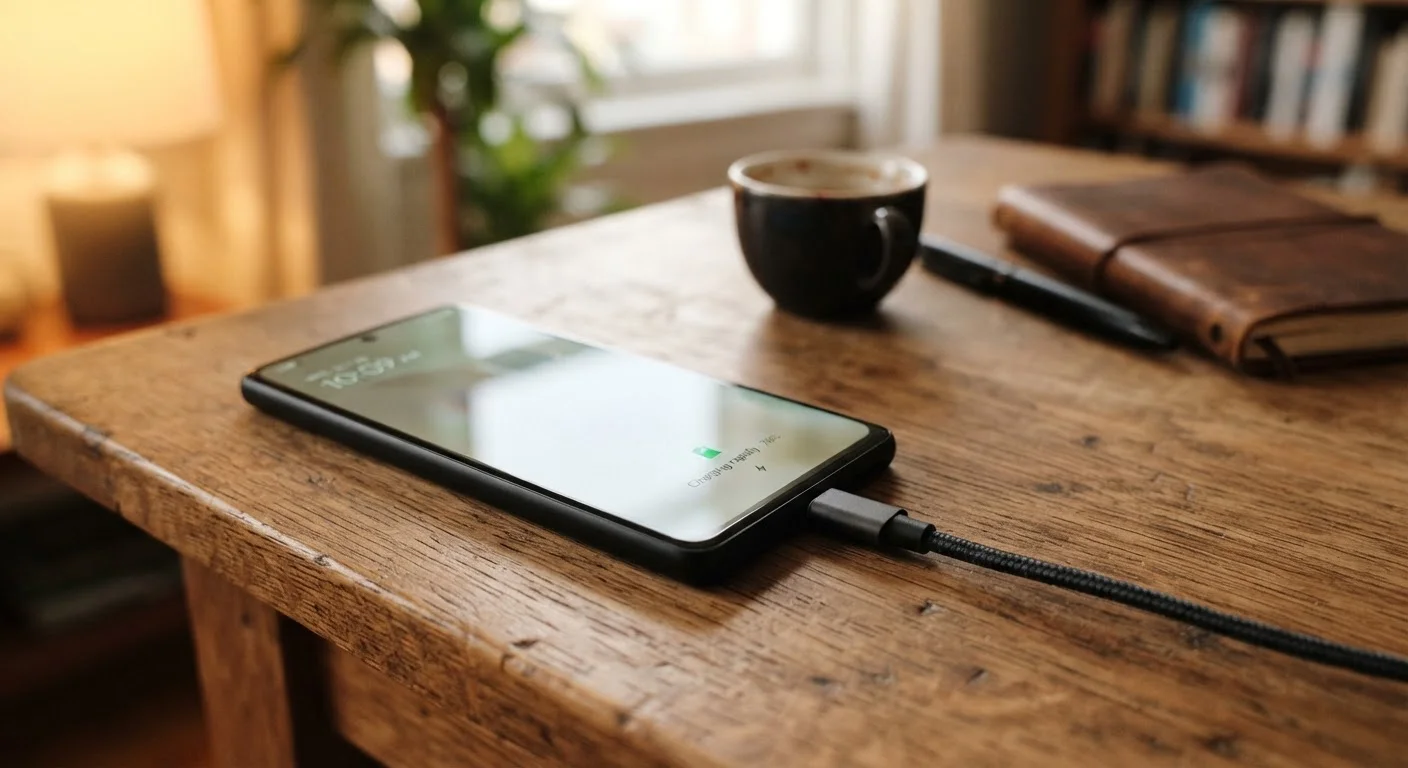
Photo: AscendWit.com | Explore Engaging Blogs. editorial
Key Takeaways
- Using the wrong charger or cable is one of the most common causes of slow charging.
- Background apps and active screens draw power while charging, reducing effective charge rate.
- Battery age and health directly affect how quickly a phone can accept a charge.
- Extreme temperatures - hot or cold - cause phones to intentionally slow their charging speed.
- Charging speed is a system involving the phone, cable, adapter, and power source together.
Charging Speed Is a Chain, Not a Single Setting
When your phone charges slower than expected, it's tempting to blame the phone itself. But charging speed is the result of every link in a chain: the wall outlet, the power adapter, the cable, and the phone's own charging circuitry. A weak link anywhere in that chain limits the whole system.
Modern smartphones use a technology called fast charging - a protocol where the phone and adapter negotiate a higher voltage or current to transfer energy more quickly. If either the adapter or the cable doesn't support that protocol, the phone falls back to a much slower standard charge rate. That mismatch is invisible unless you know to look for it.
Understanding this system helps explain why swapping even one component can make a dramatic difference - and why the mistakes below are so common. For a deeper look at what battery specifications actually mean, see our guide to reading phone battery specs.
Common Mistakes That Slow Your Charge
Most slow-charging problems trace back to a handful of predictable errors. Recognizing them is the first step to fixing them.
Using a mismatched or underpowered adapter.
Using a cable that doesn't support fast charging.
Charging from a computer's USB port instead of a wall adapter.
Charging in a hot environment or with the phone inside a case that traps heat.
Leaving the screen on and running apps while charging.
Extreme Temperatures Trigger Intentional Slowdowns
What the Phone Itself Is Doing
Even with a perfect cable and adapter, your phone's own behavior affects how fast it fills up. Active apps, a lit display, location services, and background syncing all consume energy while the phone is plugged in - effectively competing with the charger.
80%
Charge level where fast charging often slows intentionally
Phone manufacturers design charging algorithms that reduce input current above roughly 80% battery level to protect long-term cell health.
0.5W-0.9W
Typical power output from a computer's USB-A port
Standard USB-A ports on computers are designed for data transfer, not fast charging, delivering a fraction of a wall adapter's output.
Battery age is another key factor. Lithium-ion batteries lose some capacity to accept charge quickly as they age. A battery that has gone through many charge cycles may charge noticeably more slowly, particularly in the upper range (above roughly 80%), where the phone's software intentionally slows input to protect cell health. This is normal and by design. If your phone's battery health has dropped significantly, that degraded capacity affects both runtime and charge speed. Our article on why phones slow down over time covers how battery wear fits into the broader picture of aging hardware.
Habits you build around charging matter in the long run, too. For practical routines that help preserve battery health, see habits that extend a smartphone's life and our broader guide on extending the life of any rechargeable device.
The content on this site is for informational purposes only and is not a substitute for professional advice. Always consult a qualified professional for guidance specific to your situation.