
How to Extend the Life of Any Rechargeable Device

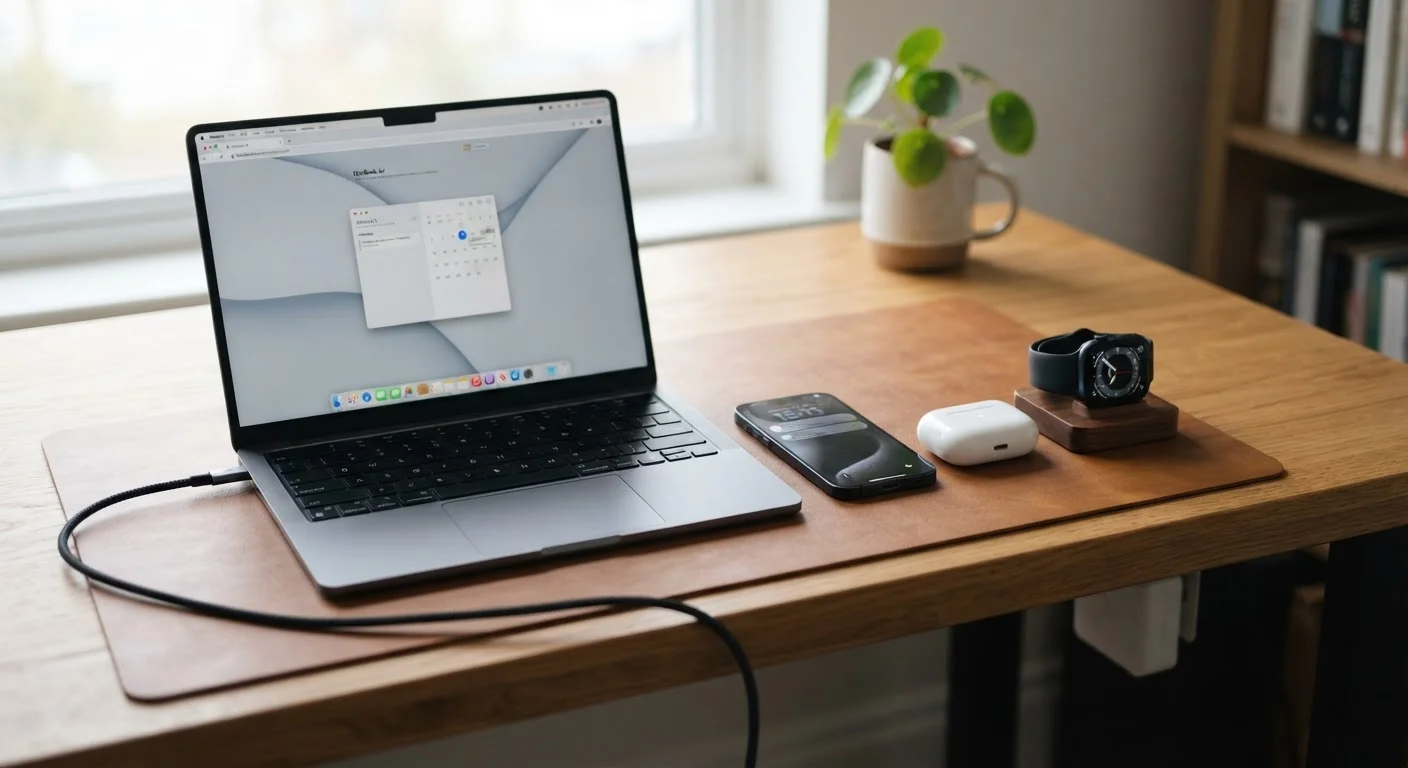
Photo: AscendWit.com | Explore Engaging Blogs. editorial
Key Takeaways
- Keeping a battery between 20% and 80% charge dramatically slows long-term capacity loss.
- Heat is a battery's biggest enemy - avoid leaving devices in hot cars or direct sunlight.
- Most lithium-ion batteries are rated for 300-500 full charge cycles before noticeable degradation.
- Overnight charging on modern devices is generally safe, but extreme temperatures still cause harm.
- Built-in battery health tools on phones and laptops can tell you when degradation becomes significant.
Why Batteries Degrade - and Why It Matters
Every rechargeable gadget you own - your phone, laptop, wireless earbuds, cordless vacuum - runs on a lithium-ion battery. Lithium-ion (Li-ion) batteries work by moving charged particles between two electrodes. Each charge cycle causes microscopic wear on those electrodes, slowly reducing how much energy the battery can hold.
Manufacturers typically rate Li-ion batteries for 300 to 500 full charge cycles before capacity drops noticeably - often to around 80% of the original. After that threshold, you'll notice shorter use between charges. The good news: the pace of that decline is largely within your control. Understanding what accelerates degradation lets you slow it down considerably.
Before diving into habits, it helps to understand what a "charge cycle" actually means. One cycle equals 100% worth of charge consumed - not necessarily one plug-in session. Draining from 100% to 50% twice counts as one cycle. This framing matters when building smarter charging routines. For a deeper look at how battery specifications translate to real-world performance, see our guide to reading phone battery specs.
Proven Practices to Extend Battery Life
These habits are grounded in how Li-ion chemistry actually behaves. They apply whether you're managing a flagship phone, a budget laptop, or a pair of wireless earbuds.
Keep your battery charge level between 20% and 80% whenever practical.
Avoid exposing devices to high temperatures, especially while charging.
Use the charging speed that fits your situation rather than always defaulting to fast charging.
Enable optimized or adaptive charging features when available on your device.
Store devices you won't use for extended periods at around 50% charge in a cool, dry location.
Quick Actions You Can Take Today
You don't need to overhaul every charging habit at once. A few targeted changes make a meaningful difference right away.
Overnight Charging: Is It Really a Problem?
Reading the Warning Signs
Even with good habits, batteries eventually degrade. Knowing when degradation becomes significant helps you decide whether a battery replacement makes sense before device performance suffers noticeably.
300-500
Typical full charge cycles before noticeable Li-ion degradation
This is the commonly cited industry rating for lithium-ion batteries used in consumer electronics such as phones and laptops.
~80%
Capacity threshold often used to define significant battery degradation
Apple and many other manufacturers use 80% of original capacity as the benchmark for when a battery is considered worn and may benefit from replacement.
Both iOS and Android include built-in battery health screens. On iPhones, navigate to Settings > Battery > Battery Health & Charging. On Android, the path varies by manufacturer but is often found within the Battery settings menu. Laptops running Windows or macOS can generate detailed battery reports through built-in diagnostic tools.
A reading below 80% capacity on a phone typically signals it's worth considering a battery replacement - a far less expensive option than a full device upgrade. For guidance on when repair makes more sense than replacement, our gadget lifespan guide walks through the decision for phones, laptops, and more.
If you've noticed your device charging more slowly than it used to, that's not always a battery problem. Sluggish charging has several distinct causes worth understanding separately.
The content on this site is for informational purposes only and is not a substitute for professional advice. Always consult a qualified professional for guidance specific to your situation.