
Making a Smartphone Last: Habits That Extend Its Life and Usefulness

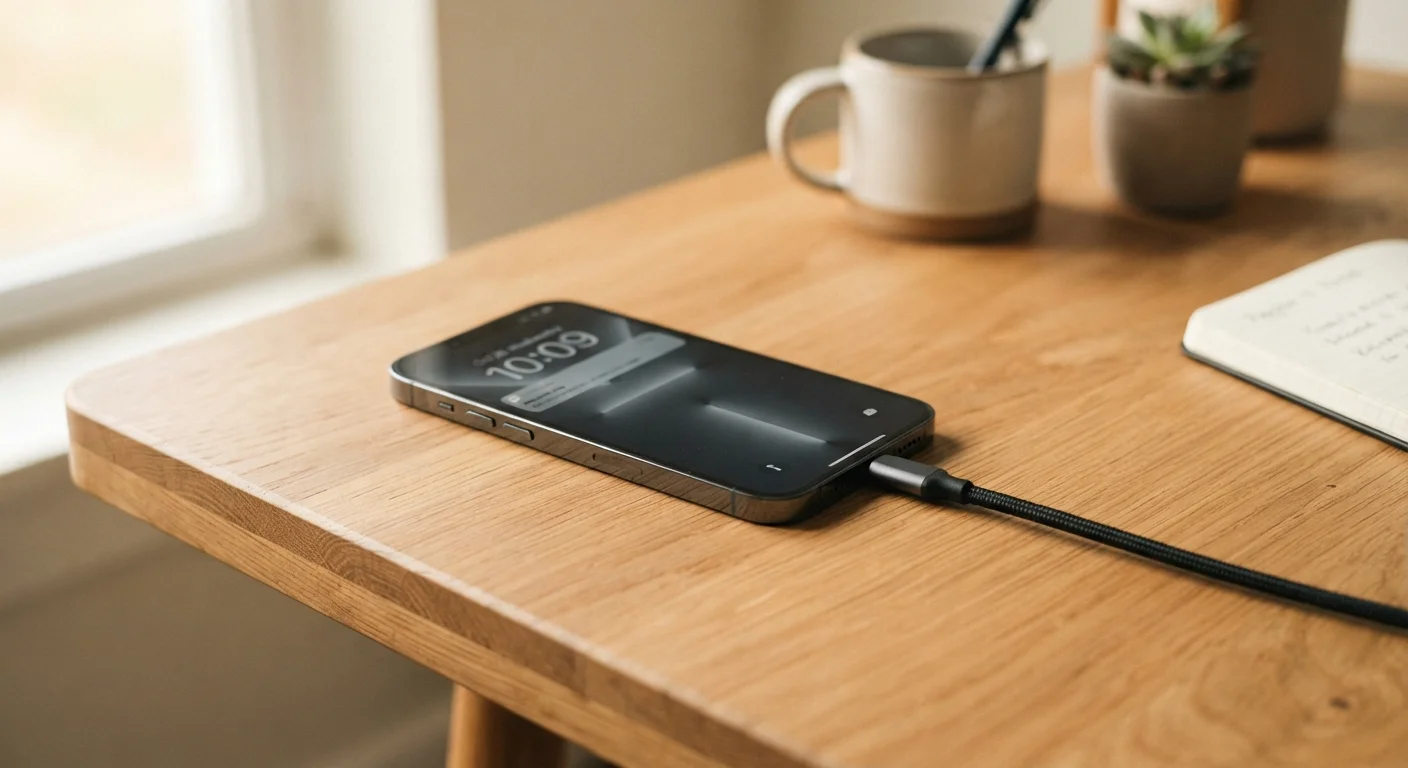
Photo: AscendWit.com | Explore Engaging Blogs. editorial
Key Takeaways
- Keeping battery charge between 20% and 80% slows long-term battery degradation significantly.
- Heat is one of the most damaging forces for smartphone components - avoid leaving phones in hot cars.
- A quality case and screen protector dramatically reduce the odds of costly physical damage.
- Regular software updates protect security and often improve how efficiently the phone runs.
- Clearing storage headroom prevents slowdowns and protects the long-term health of internal storage.
Why Habits Matter More Than Hardware
Most smartphones are built to last several years - yet many end up replaced after two or three, not because they failed, but because they were worn down by avoidable habits. The battery degraded faster than it should have. The screen cracked from a single unprotected drop. The storage filled up and the phone slowed to a crawl.
The good news is that the biggest factors in a smartphone's lifespan are largely within your control. Understanding a handful of evidence-based practices - around charging, temperature, physical protection, and software - can add real years to a phone's useful life. For a broader look at smartphone ownership decisions, see The Complete Picture on Smartphone Ownership.
Charge your phone before it drops below 20% and unplug it before it reaches 100%.
Keep your phone away from sustained heat sources, including hot cars and direct sunlight.
Use a case with raised screen edges and add a tempered glass screen protector.
Keep internal storage at no more than 80% full at all times.
Install software updates promptly rather than dismissing them.
Charging Habits That Protect Your Battery
The lithium-ion battery inside your phone has a finite number of effective charge cycles - roughly defined as one full 0-100% charge. The key insight is that partial charges count as partial cycles, so charging from 40% to 80% costs far less battery wear than repeatedly draining to near-zero and charging to full.
Use Your Phone's Built-In Battery Tools
Most battery researchers suggest keeping charge levels roughly between 20% and 80% as a practical daily target. You don't need to obsess over exact percentages, but avoiding habitual overnight full-charges and frequent deep discharges does make a measurable difference over time. Many phones now include built-in settings - sometimes called "optimized charging" or "battery protection mode" - that help manage this automatically. If you want to understand what battery specs actually mean before your next phone decision, How to Read a Phone's Battery Specs Before You Buy breaks it down clearly.
Temperature and Physical Protection
Heat is a silent killer for smartphone components. Lithium-ion batteries degrade faster when consistently exposed to high temperatures - leaving a phone on a car dashboard in summer sun, for example, can cause measurable harm in a single afternoon. Try to keep your phone out of direct prolonged sunlight and away from heat sources.
Cold extremes matter too, though differently: very cold temperatures temporarily reduce battery performance rather than permanently degrading it. The phone will typically recover once warmed back to normal operating temperatures.
Physical protection is equally straightforward. A well-fitting case - particularly one with raised edges around the screen - absorbs impact energy that would otherwise reach the phone's frame and internals. A tempered glass screen protector adds a sacrificial layer that can crack instead of the display itself. Given that display repairs are among the most expensive phone fixes, this is one of the highest-return investments a smartphone owner can make. For a realistic look at how long phones and other gadgets hold up, see The Lifespan of Common Gadgets: When to Repair and When to Move On.
Wireless Charging and Heat
Storage, Software, and Quick Wins
Internal storage that's nearly full causes real performance problems. Most phones begin to slow noticeably when storage is 85-90% full because the system needs free space to write temporary files and manage operations efficiently. Routinely offloading photos to a computer or cloud service, deleting unused apps, and clearing cached data keeps the phone running smoothly.
Software updates are worth taking seriously too. Beyond adding features, updates often include patches that close security vulnerabilities and optimizations that improve how efficiently the phone uses its hardware. Skipping updates for months at a time can leave a phone exposed and running less efficiently than it should. The same habits that help phones last longer apply across rechargeable devices - How to Extend the Life of Any Rechargeable Device covers the broader picture.
The content on this site is for informational purposes only and is not a substitute for professional advice. Always consult a qualified professional for guidance specific to your situation.