
The Everyday User's Glossary of Gadget Terms

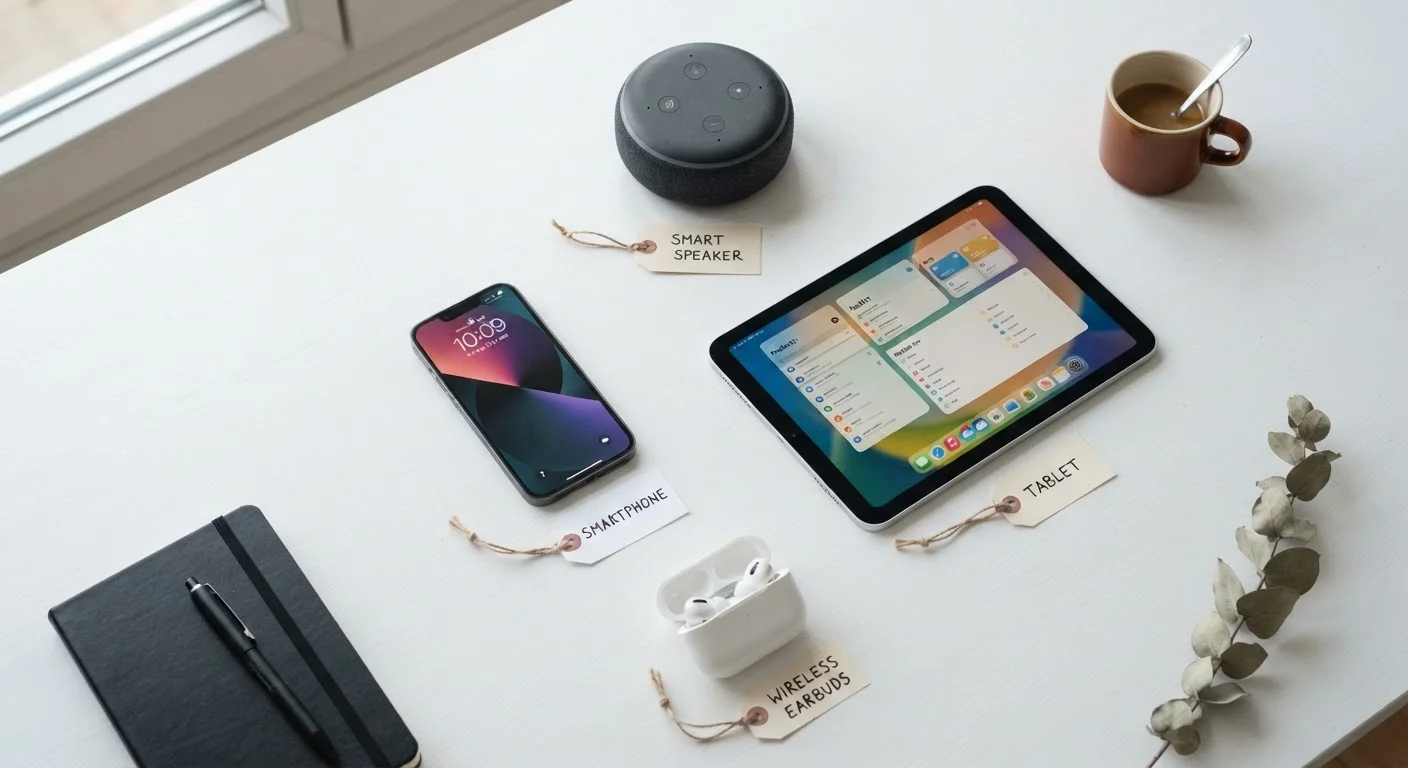
Photo: AscendWit.com | Explore Engaging Blogs. editorial
Why Gadget Jargon Feels So Overwhelming
Product boxes, settings menus, and tech articles are packed with abbreviations and technical terms that manufacturers rarely bother to explain. MHz, NFC, firmware, latency - these words show up constantly, yet most consumer guides assume you already know them. You don't need an engineering degree to understand them, though. Once you see a plain definition, the term sticks for life.
This glossary covers the terms you're most likely to encounter across smartphones, home internet equipment, smart speakers, and other everyday gadgets. If you're just getting started with a new device, pair this page with our first-time smartphone owner's guide for a complete orientation. And if you want to go deeper on the numbers printed on spec sheets, see what smartphone specs actually mean.
| Wi-Fi standard for most new routers | Wi-Fi 6 (802.11ax) (Wi-Fi Alliance) |
| Typical Bluetooth effective range | Up to ~30 feet (10 meters) (Bluetooth SIG) |
| NFC operating distance | Under 2 inches (about 4 cm) (NFC Forum) |
| Low latency threshold for video calls | Under 150 ms (ITU-T G.114 recommendation) |
| Common smartphone RAM range | 4 GB - 16 GB (General industry observation) |
Core Terms: Hardware and Processing
These terms describe the physical components and the speed at which a device operates.
MHz / GHz
Units of frequency measuring processor or signal speed. MHz stands for megahertz (millions of cycles per second); GHz stands for gigahertz (billions of cycles per second). Higher values generally indicate faster processing or data transmission.
NFC
Near-field communication - a short-range wireless technology that works when two devices are within about an inch of each other. Commonly used for contactless payments and quick Bluetooth pairing.
Firmware
Permanent low-level software embedded directly into a hardware device. It controls core functions and is typically updated by the manufacturer to fix bugs or add security patches.
RAM
Random-access memory - the short-term working memory a device uses while running apps. More RAM allows smoother multitasking; it does not affect how much data you can save long-term.
Latency
The delay, measured in milliseconds, between sending a request and receiving a response over a network. Low latency is important for real-time applications like video calls and online gaming.
Codec
Software that compresses and decompresses audio or video data. The codec used by wireless headphones or streaming apps affects both audio quality and how much processing power is required.
IP Rating
A standardized measure of a device's resistance to dust and water. The number after 'IP' indicates protection levels - for example, IP67 means the device can withstand submersion in up to one meter of water for 30 minutes.
Bandwidth
The maximum amount of data that can travel through a connection at one time, usually measured in Mbps (megabits per second). Higher bandwidth supports more devices and faster downloads simultaneously.
When a manufacturer lists a processor speed in GHz (gigahertz), they're telling you how many billions of operations that chip can perform per second. A higher number generally means faster performance, though chip architecture matters just as much as clock speed - so don't treat GHz as the only measure of a fast device.
RAM (random-access memory) is the short-term workspace your device uses while apps are running. More RAM lets you switch between apps without slowdown. Storage, by contrast, is where your photos, apps, and files live permanently - think of RAM as your desk surface and storage as your filing cabinet.
Connectivity and Wireless Terms
Whether you're connecting to Wi-Fi, pairing headphones, or tapping your phone to pay, these terms explain the invisible signals at work.
Bluetooth is a short-range wireless standard (typically effective up to about 30 feet) used to connect devices like headphones, keyboards, and speakers without cables. NFC (near-field communication) works over much shorter distances - usually just an inch or two - and powers contactless payments and quick device pairing.
Wi-Fi bands (2.4 GHz vs. 5 GHz) describe two different radio frequencies your router can broadcast. The 2.4 GHz band travels farther but carries less data; 5 GHz is faster but loses range more quickly through walls. Many modern routers broadcast both simultaneously. For a broader look at how this affects your home setup, visit our home internet hub.
97%
U.S. adults who own a cellphone
According to Pew Research Center survey data, nearly all American adults own at least a basic cellphone, with the vast majority owning smartphones.
2.4 GHz
Wi-Fi band with widest device compatibility
The 2.4 GHz band is supported by virtually every Wi-Fi device, making it the most universally compatible option despite its lower maximum speeds.
Latency measures the delay - usually in milliseconds - between sending a signal and receiving a response. Low latency matters most for video calls, online gaming, and live audio streaming. It's separate from speed: a connection can be fast but still laggy if latency is high.
Software, Firmware, and Updates
These terms cover the invisible layer of code that makes hardware actually work.
Firmware is low-level software permanently embedded in a device - think of it as the built-in instruction set your router, smart TV, or camera runs on. Unlike a phone app, you don't browse and install firmware; it ships with the device and is updated through the manufacturer's process. Keeping firmware current is important because updates often include security patches.
An operating system (OS) is the master software layer that manages everything else on a device - iOS and Android are the two dominant mobile operating systems. A software update changes the OS or an app; a firmware update changes the underlying device code. Both matter for security and performance.
Cache is temporary data your device stores to load frequently used content faster. Clearing the cache can fix sluggish apps, though the device will rebuild it over time as you use those apps again.
Updates Are Worth Installing
The content on this site is for informational purposes only and is not a substitute for professional advice. Always consult a qualified professional for guidance specific to your situation.