
Automating Your Savings: How the Mechanics Actually Work

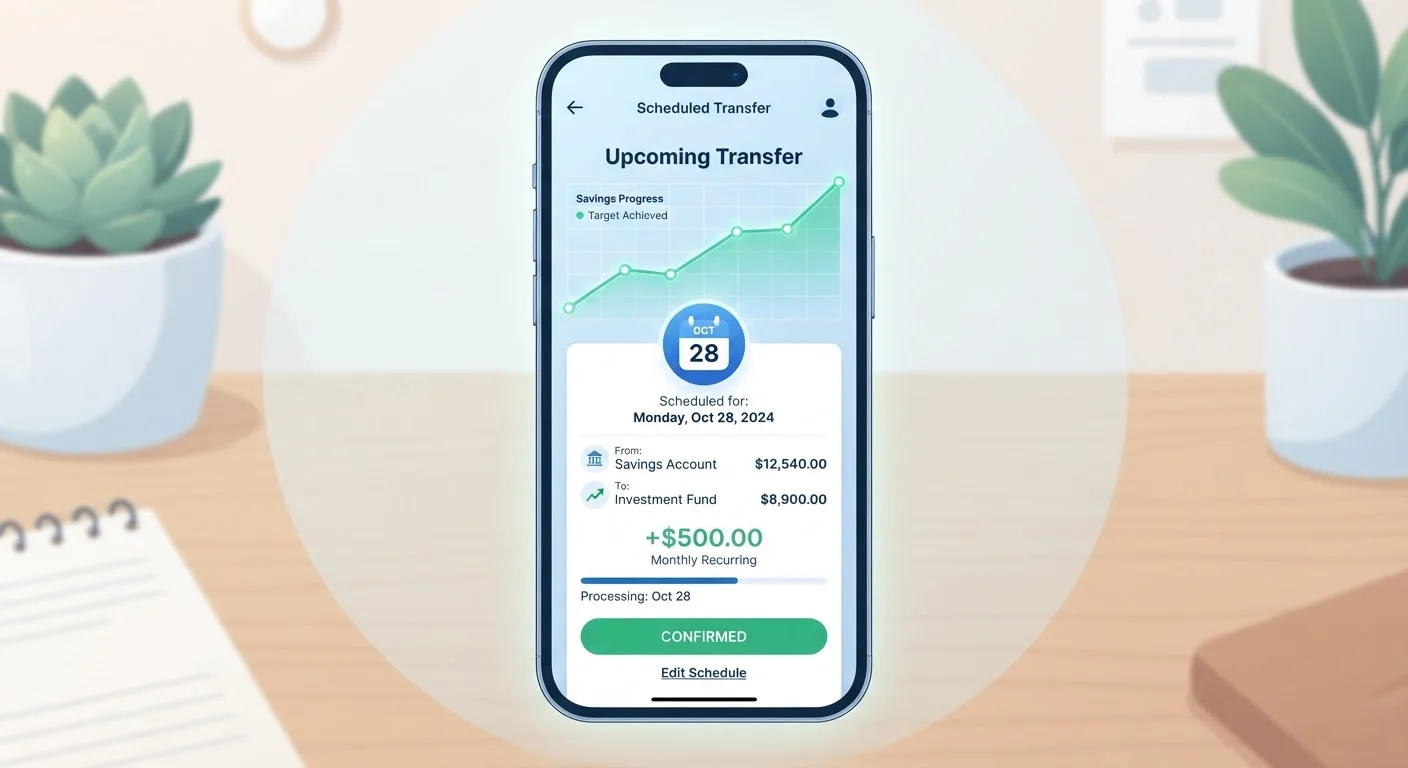
Photo: AscendWit.com | Explore Engaging Blogs. editorial
Key Takeaways
- Automated savings transfers move money on a schedule you control, reducing reliance on willpower.
- You can set up automation through your bank, employer payroll, or a standalone savings account.
- Timing your transfer to coincide with your paycheck is one of the most effective setup choices.
- Small, consistent automated amounts outperform larger occasional manual transfers for most people.
- Review your automation every few months to ensure the amount still reflects your budget.
Why Automation Changes Savings Behavior
The central challenge of manual saving is that it requires a decision at every pay period - and decisions can be delayed, skipped, or overridden by competing priorities. Automation replaces that recurring decision with a one-time setup, shifting savings from an active choice to a passive default.
Behavioral economists refer to this as removing "friction" from a desired behavior. When the savings transfer happens automatically, the money is effectively gone from your spending account before you have a chance to allocate it elsewhere. Over time, most people adjust their day-to-day spending to match whatever balance remains after the transfer - not the other way around.
This principle connects directly to broader budgeting habits. As explored in our guide on habits that make budgets work over time, consistency is the single strongest predictor of whether a financial plan holds up month after month.
Start Small, Then Scale Up
Automation also benefits from the long-run power of compounding. Even modest sums transferred consistently can grow meaningfully over years - a concept explained in depth in our piece on how compound interest works.
What You Need Before You Begin
Setting up automated savings requires a few practical ingredients - none of which are complicated, but all of which should be in place before you configure anything.
What you will need
Checking Account
Serves as the source account from which funds are pulled on your chosen schedule.
Savings or Goal Account
The destination account where automated transfers are deposited.
Online Banking Portal or Mobile App
Used to configure recurring transfer rules, set amounts, and choose dates.
Employer Payroll Direct Deposit Form
Allows you to split your paycheck and direct a portion straight to savings before it reaches checking.
This Is Education, Not Financial Advice
Once these elements are ready, the mechanical setup is straightforward for most people with standard bank accounts. If you are comparing account types for your savings destination, our overview of high-yield versus traditional savings accounts breaks down how they differ structurally, without recommending specific products.
Step-by-Step: Setting Up Your Automated Transfer
Follow the steps below to establish a recurring savings transfer. The process typically takes under 30 minutes for a standard bank recurring transfer, and may require an additional form submission if you use the payroll split method.
Identify how much you can realistically set aside
Before touching any settings, review one or two months of spending. Add up essential fixed costs - rent, utilities, loan minimums - and estimate variable spending. The gap between your take-home pay and those costs is your starting point. A common guideline is to save at least a small percentage of each paycheck, but any consistent amount is more valuable than waiting until you can save a "perfect" figure.
If you are carrying high-interest debt alongside a savings goal, it is worth understanding that tradeoff. See our introduction to savings and debt basics for a practical framework on balancing both.
Choose your automation method
There are two primary ways to automate savings:
- Bank-to-bank recurring transfer: You log into your bank's online portal or app and schedule a repeating transfer from checking to savings on a fixed date.
- Payroll split: You instruct your employer's payroll department to deposit a set dollar amount (or percentage) of each paycheck directly into your savings account. The money never passes through checking at all.
The payroll split method is often considered more effective because the funds are removed before you see them in your spending account - reducing the temptation to spend first and save what remains.
Set the transfer date strategically
Timing matters more than many people expect. Schedule your automated transfer to occur on - or within one to two days of - your regular payday. This replicates the psychological effect of the payroll split: savings leave immediately, and your available balance reflects what you actually have to spend. Avoid scheduling transfers mid-month when irregular expenses like car repairs or medical bills are more likely to catch your balance low.
Configure the transfer in your banking app or payroll system
For a bank recurring transfer: navigate to the transfers section of your online banking portal, select your checking account as the source and your savings account as the destination, enter the dollar amount, choose "recurring," and select your frequency (weekly, biweekly, or monthly). Confirm the start date and save.
For a payroll split: request a direct deposit authorization form from your HR or payroll department. Complete the routing number and account number for your savings account, and specify either a fixed dollar amount or a percentage to direct there each pay period.
Monitor and adjust every few months
Automation is not fully set-and-forget. Review your transfer amount every three to six months, or whenever your income or major expenses change significantly. A raise is an ideal moment to increase the automated amount before the additional income integrates into your spending habits - a pattern sometimes called a "lifestyle creep" risk. Our article on common savings derailment patterns covers this in more detail.
Watch Your Account Balance Before Transfers Fire
The content on this site is for informational purposes only and is not a substitute for professional advice. Always consult a qualified professional for guidance specific to your situation.